Image
Image
American Poetry
Summary
Find poems written by American authors between 1650-1920.
Details
Library Card
On
Research Databases

Find poems written by American authors between 1650-1920.
Find poems written by British authors between 600 to 1900.
Find poems written by both American and British authors between 1900-1999.
Find poems written by American authors between 1900-1999.
Find poems written by African-American authors between 1900-1999.
Find poems written by British authors between 1900-1999.
Resources to assist North Carolina citizens, libraries, and others impacted by the devastation of Hurricane Helene. This guide is created and maintained by the State Library of North Carolina and will be updated as other resources are shared or become available.
October 22, 2024
This blog was written by Laura Cavette, adult services librarian at Myers Park Library.
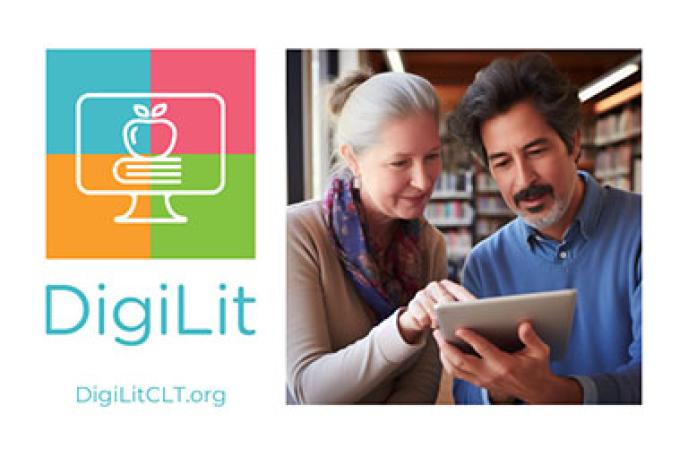
This October, join Charlotte Mecklenburg Library in celebrating STEAM Month with DigiLit, our digital literacy initiative. DigiLit provides a variety of free technology training programs for all skill levels, helping you thrive in the digital age.
We provide flexible learning options to fit your schedule:
Charlotte Mecklenburg Library invites Spanish speakers to participate in DigiLit classes! Join us this month in-person at Pineville, South Boulevard, Sugar Creek, and West Boulevard Libraries to master basic computer skills, unlock new opportunities, and fully engage with library resources and the digital world. Click here to find upcoming classes.
¡La Biblioteca Charlotte Mecklenburg invita a los hispanohablantes a participar en clases de DigiLit este octubre! Únase a nosotros este mes en persona en las bibliotecas de Pineville, South Boulevard, Sugar Creek y West Boulevard para dominar las habilidades informáticas básicas, abrir nuevas oportunidades y conocer plenamente los recursos de la biblioteca y el mundo digital. Haga clic aquí para encontrar las próximas clases.
In partnership with AARP, we’re thrilled to present technology sessions for older adults during STEAM Month. Our Tech Titans 50+ program, offered at multiple library locations, creates a supportive space for those aged 50 and up to explore technology. Whether you're a tech novice or have some experience, our sessions are designed to enhance your confidence and skills. Find all Tech Titans 50+ programs scheduled for October here.
Our Northstar Digital Literacy program offers an assessment and learning tool to evaluate your computer and online skills. The self-guided modules cover Essential Computer Skills, Essential Software Skills, and Using Technology to Accomplish Tasks. You can also schedule a proctored assessment to earn a certificate, showcasing your proficiency. Learn more about Northstar Digital Literacy here.
Discover more about our DigiLit programs and find the perfect fit for your needs by visiting DigiLitCLT.org.
November 1, 2024
This blog was a written by Michael Engelbrecht, IT director for Charlotte Mecklenburg Library.
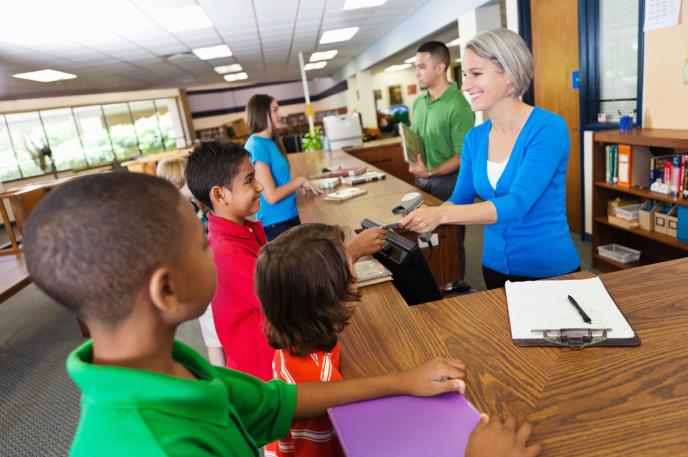
Charlotte Mecklenburg Library is making changes to the automated system we use to serve customers when they check out items. These changes will streamline some of our processes so we can better serve the customer. This requires assistance from parents/caregivers regarding the child account that determines the types of materials that can be checked out with a child Library card.
When a parent/caregiver or child signed up for a child Library card, one of five account types was selected by the cardholder:
TYPE 1 – Child account with access to check out only children’s books
TYPE 2 – Child account with access to check out children’s books and DVDs
TYPE 3 – Child account with access to check out children’s and adult books
TYPE 4 – Child account with access to check out children’s books and DVDs and adult books
TYPE 5 – Child account with access to check out children’s and adult books AND DVDs
As DVD usage declines and in order to streamline our accounts and processes, the Library will make two types of accounts available to Mecklenburg County resident cardholders and non-resident cardholders.
OPTION 1 – Limited child account with access to check out only children’s materials.
OPTION 2 – Child account with access to check out children’s AND adult materials.
The Library encourages parents/caregivers to visit or call the nearest Charlotte Mecklenburg Library branch, at their convenience, and speak with staff to select which type of account they would like their child to have.
On January 1, 2025, child account types 1-2 will automatically be converted to OPTION 1. Account type 3-5 will be converted to OPTION 2. Parents/Caregivers can visit or call a branch at any time – even after January 1 – to choose whichever account type they prefer for their child.
ONEAccess student accounts are unchanged.
Thank you for your patience and understanding as we work to make your Library experience better.
The Charlotte Neighborhood History Toolkit can help you answer those questions and more. The Toolkit offers tips on using Newspapers, City Directories, Plat Maps, Property Deeds and Building Permits to uncover the history around us.